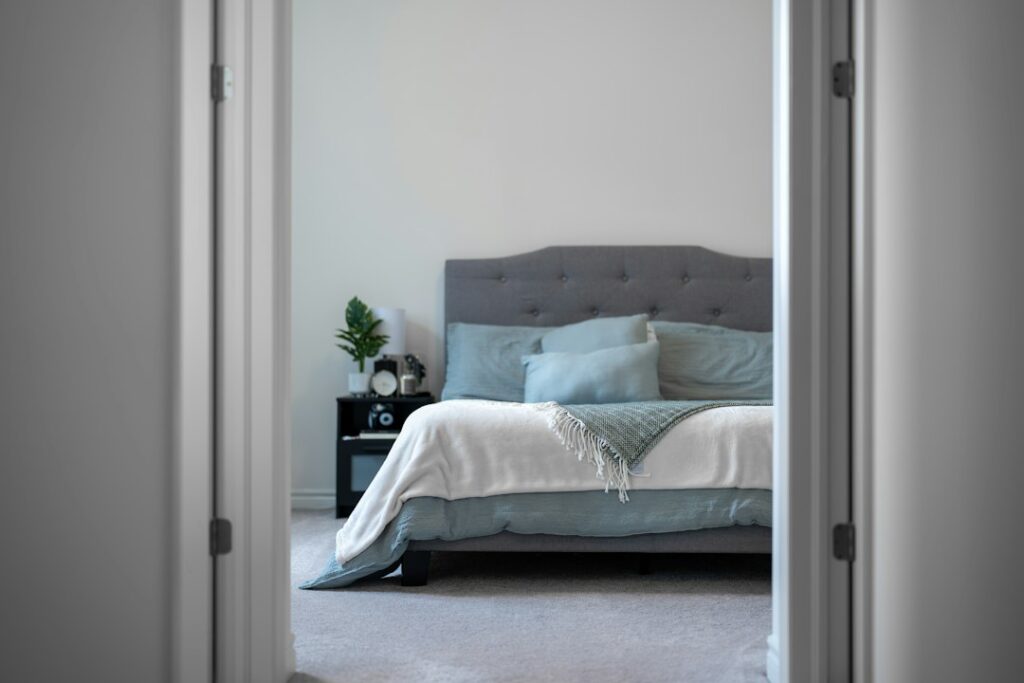
Defined term: Sleep mode is a low‑noise, low‑power operating setting on an air purifier that typically slows the fan, dims or turns off lights and displays, and reduces notifications so the unit runs quietly while you sleep.
Why sleep mode matters when buying
For bedroom shoppers, sleep mode is about nighttime comfort and tradeoffs. It reduces audible noise and distracting lights, which supports sleep, but the lower fan speed usually means slower air circulation and reduced particle removal. That tradeoff matters if you rely on continuous high filtration overnight (for allergies, smoke episodes, or persistent indoor pollution).
Sleep mode also saves a little energy and can reduce fan wear, but those are secondary to whether the reduced airflow still provides the air changes you need while you sleep.
How to interpret sleep mode on product pages
Manufacturers use different terms—“sleep,” “night,” “quiet,” or “low”—and there is no regulated standard, so compare specific specs rather than marketing copy. Use this checklist when evaluating models:
- Low‑speed noise (dB): Look for a decibel value explicitly tied to “sleep” or “low” mode. That number is the most direct measure of how quiet the unit will be at night.
- CADR or airflow at low speed: Ideally the product lists CADR or m³/h at the low setting; if it doesn’t, treat claims about “quiet but powerful” cautiously and ask the manufacturer for low‑speed airflow numbers. See our CADR primer for why that matters: CADR: What It Means for Air Purifiers.
- Lights and displays: Confirm whether LEDs are dimmable or turn off in sleep mode—some models only dim, others go fully dark (look for “display off” or “night mode”).
- Sensors and auto modes: Check whether the unit’s sensors or an “auto” function can override sleep mode and boost the fan during pollution spikes; this affects whether the purifier will stay quiet throughout the night.
- Wireless and alerts: Find out if Wi‑Fi, app notifications or status beeps remain active in sleep mode and whether these generate light or sound.
Concrete example (illustrative numbers)
To make the tradeoff tangible: imagine a purifier that runs at full power for rapid cleaning and has a dedicated sleep mode for nighttime. Illustrative example—do not treat as model spec:
- Full mode: high airflow, clearing a medium bedroom faster but producing noticeable fan noise (for example, ~50 dB).
- Sleep mode: fan speed reduced to roughly half the airflow, lowering audible noise by several decibels (for example, ~30–35 dB) and dimming the display.
Interpreting those numbers: a drop in airflow increases the time required to achieve the same number of air changes. The dB spec at each mode helps judge perceived quiet—each 10 dB reduction is roughly perceived as half as loud, so even a 5–10 dB improvement can be meaningful at bedside.
Related terms to consult
- CADR — explains cleaning rate and why lower fan speeds reduce particle removal.
- HEPA — clarifies the filter type typically used and how filtration efficiency behaves at different flows.
- AQI — if a unit reports air quality, check whether sleep mode still responds to high AQ events.
Common mistakes and shopper pitfalls
- Assuming “sleep mode” is standardized across brands—implementations vary widely.
- Relying on vague “quiet” marketing without checking the low‑speed dB and low‑speed airflow or CADR.
- Overlooking whether auto/sensor behavior will exit sleep mode during a pollution spike.
- Confusing a simple night‑light feature with a dedicated low‑power sleep profile.
Practical buying advice
- If bedroom quiet is the priority, choose models that list sleep‑mode dB and that explicitly turn off or dim displays; where possible, compare low‑speed CADR or airflow values.
- If you need sustained high cleaning overnight, either select a purifier whose low setting still delivers adequate CADR for your room size or choose a larger‑capacity unit so sleep mode maintains sufficient air changes while you sleep.
Sources for “Sleep Mode: What It Means for Air Purifiers?”
To keep our answer to “Sleep Mode: What It Means for Air Purifiers?” accurate, we rely on independent references such as the EPA’s Guide to Air Cleaners in the Home, AHAM Verifide CADR data and manufacturer spec sheets. See how we evaluate air purifiers and our editorial policy for details.
